


Bob's Cameras
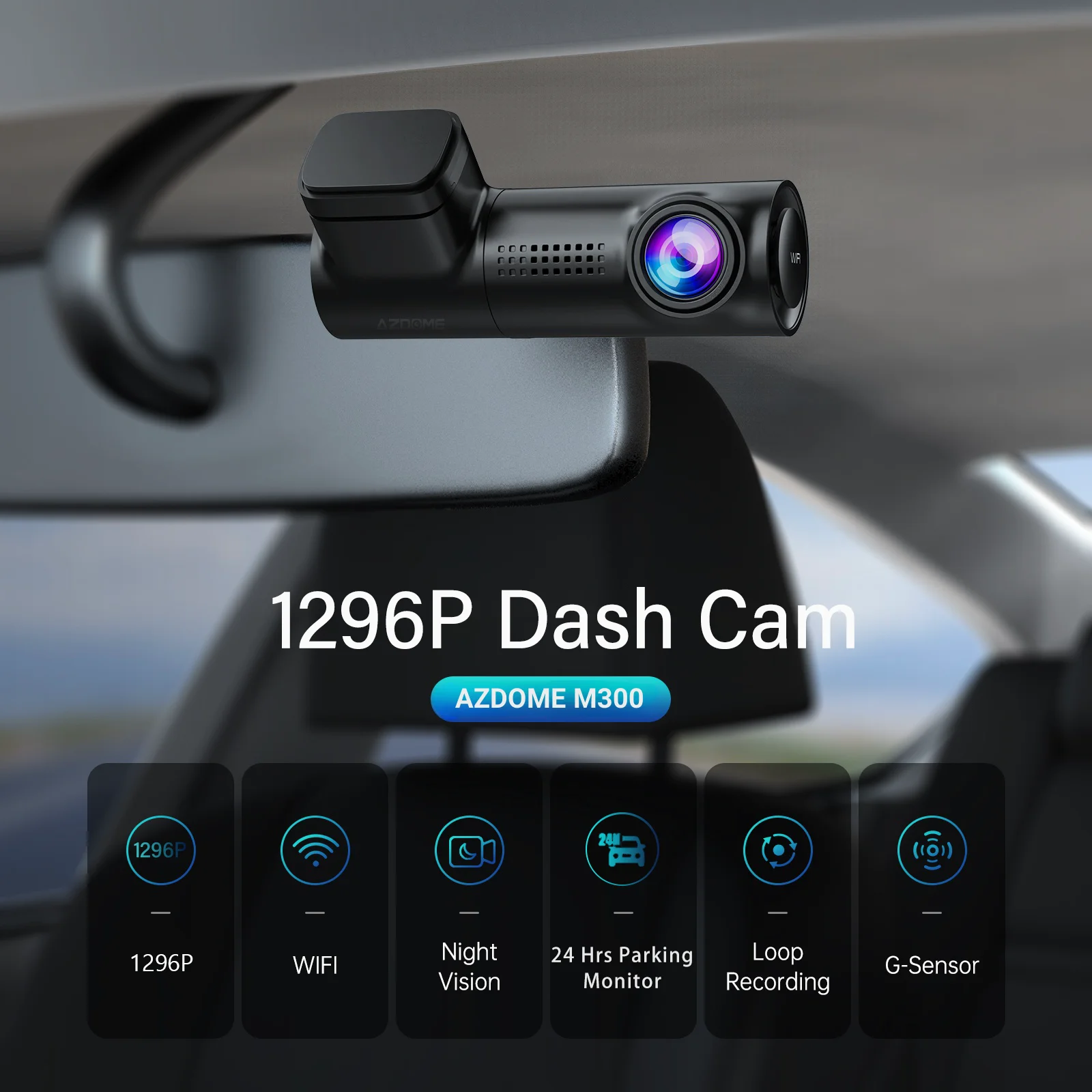
AZDOME Dash Cam 1296P WiFi Dash Camera for Cars Voice Control Dashcams Night Vision Loop Recording G-Sensor 24H Parking Monitor
AZDOME Dash Cam 1296P WiFi Dash Camera for Cars Voice Control Dashcams Night Vision Loop Recording G-Sensor 24H Parking Monitor
Couldn't load pickup availability
SPECIFICATIONS
1: dashcam
10: car camera dash cam
2: dash cam
3: dash car camera
4: car dvr
5: car camera
6: dash cam 4k
7: dash camera
8: car dash camera
9: dash cam for cars
Aperture: F2.0
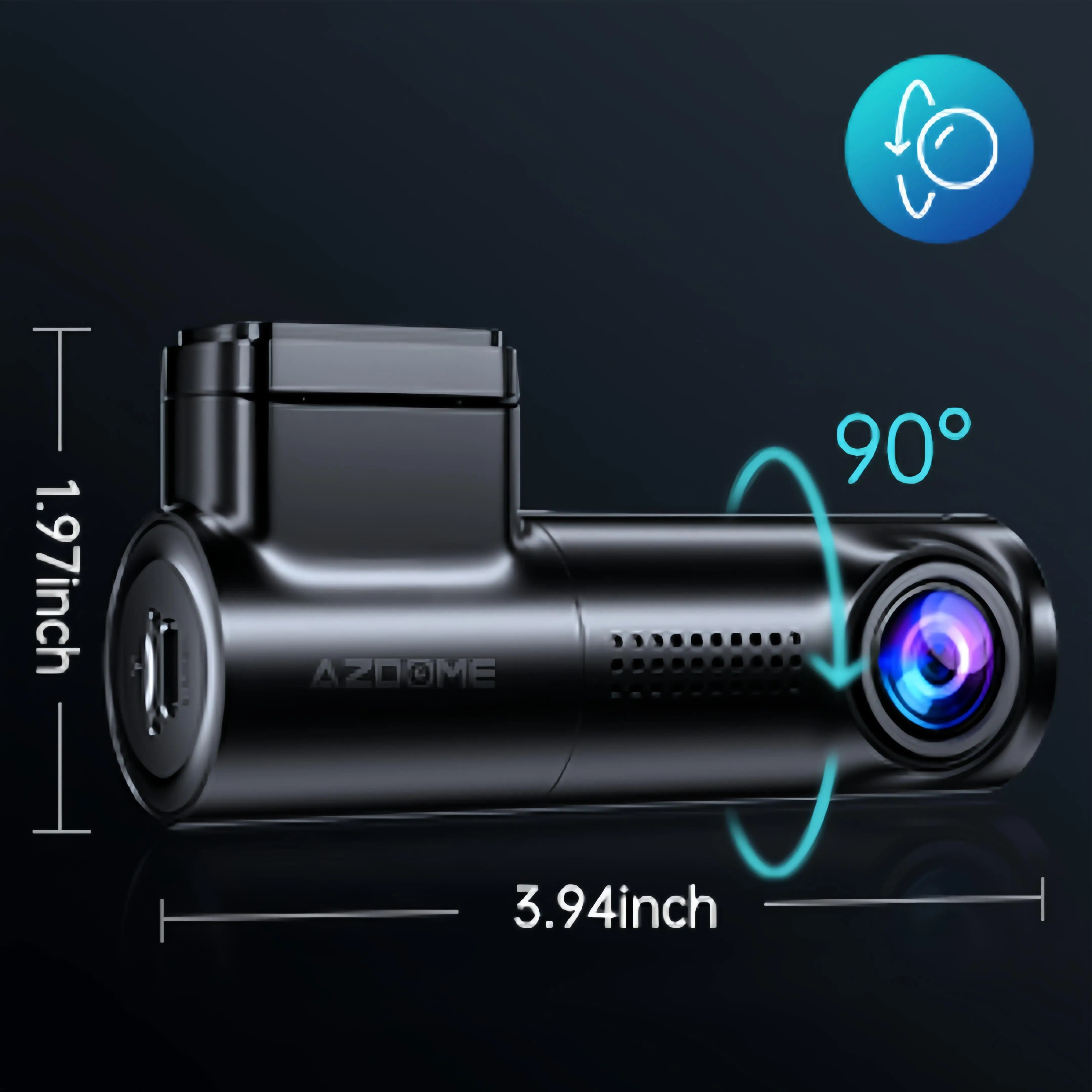
Assembly Mode: Hidden Type
Audio Recorded: Yes
Battery: None
Brand Name: AZDOME
Built-in Screen: No
Camera Resolution: 1280x960
Certification: CE,FCC,RoHS,weee
Chipset Manufacturer: MSTAR
Display Size: No
Frames Per Second: 30
GPS logger: NONE
High-concerned chemical: None
Imaging Sensor: GC2053
Interface: SD/MMC,USB 2.0
Is Batteries Included: Yes
Item Type: Car DVR
Loop-Cycle Recording Feature: Yes
Max External Memory: 128G
Memory Card Required Reding Speed: Class 10
NightShot Function: Yes
Number Of Lenses: 1
OSD Language: Chinese (Simplified),Chinese (Traditional),Dutch,English,French,German,Hebrew,Italian,Japanese,Polish,Portuguese,Russian,Spanish,THAI,Vietnamese
Origin: Mainland China
Original Package: Yes
Pixels: 200Mega
Rear Camera: NONE
Screen Ratio: NONE
Special Features: G-Sensor,sd/mmc card,Anti Vibration,wifi function,Voice Control,Parking Monitor
Touch Screen: No
Video Code: H.264
Video Format: MP4
View angle: 150
Warranty: 1 year
AZDOME Dash Cam 1296P WiFi Dash Camera for Cars Voice Control Dashcams Night Vision Loop Recording G-Sensor 24H Parking Monitor
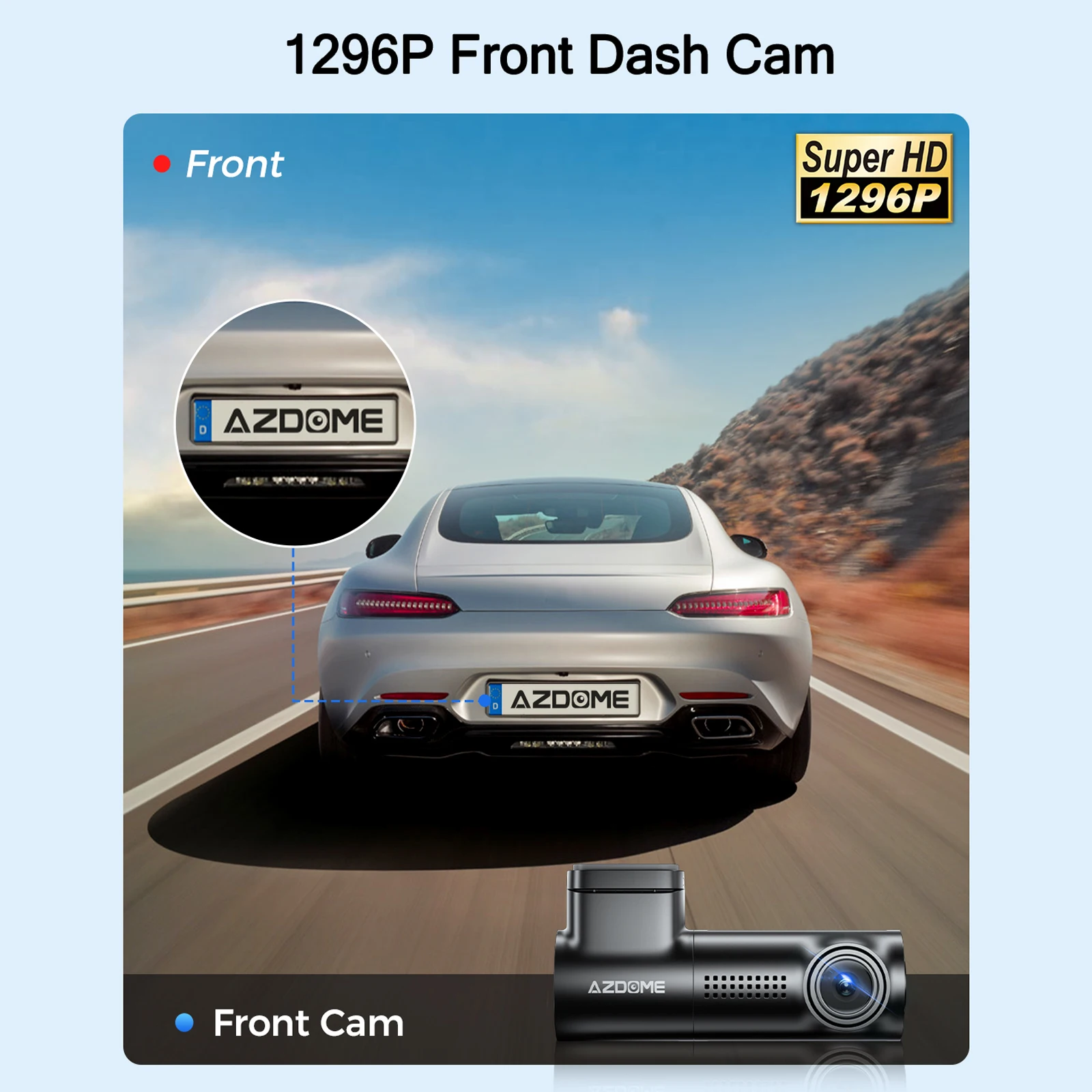
FHD 1296P Front Dash Camera
150° Wide-Angle Lens + FHD 1296P Advanced Sensor, captures every detail of your entire drive in stunning crystal clarity, leaving no blind spots unrecorded.
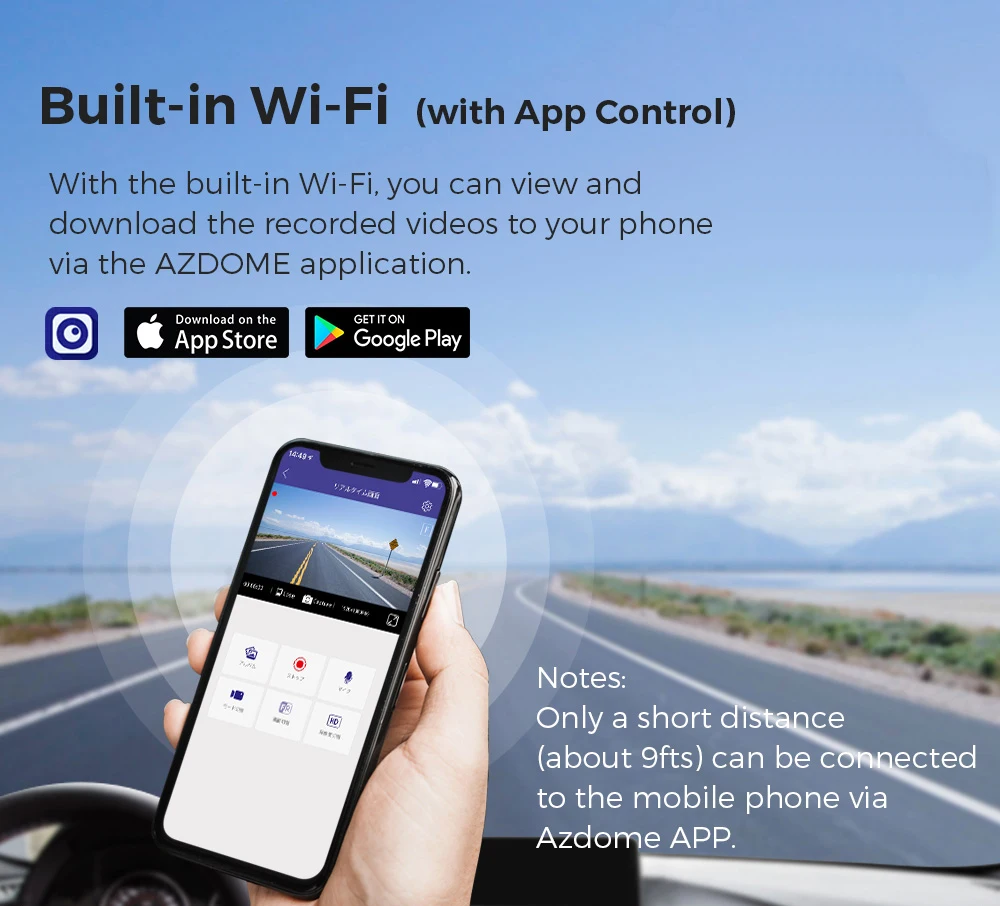
Built-in WiFi & App Control
Connect the dash cam to iOS/Android devices via its built-in WiFi (9ft connection range). Using the AZDOME App instantly view, download, and share videos without removing the TF card or using a computer.
Note: WiFi only supports device-to-phone pairing, not internet access.
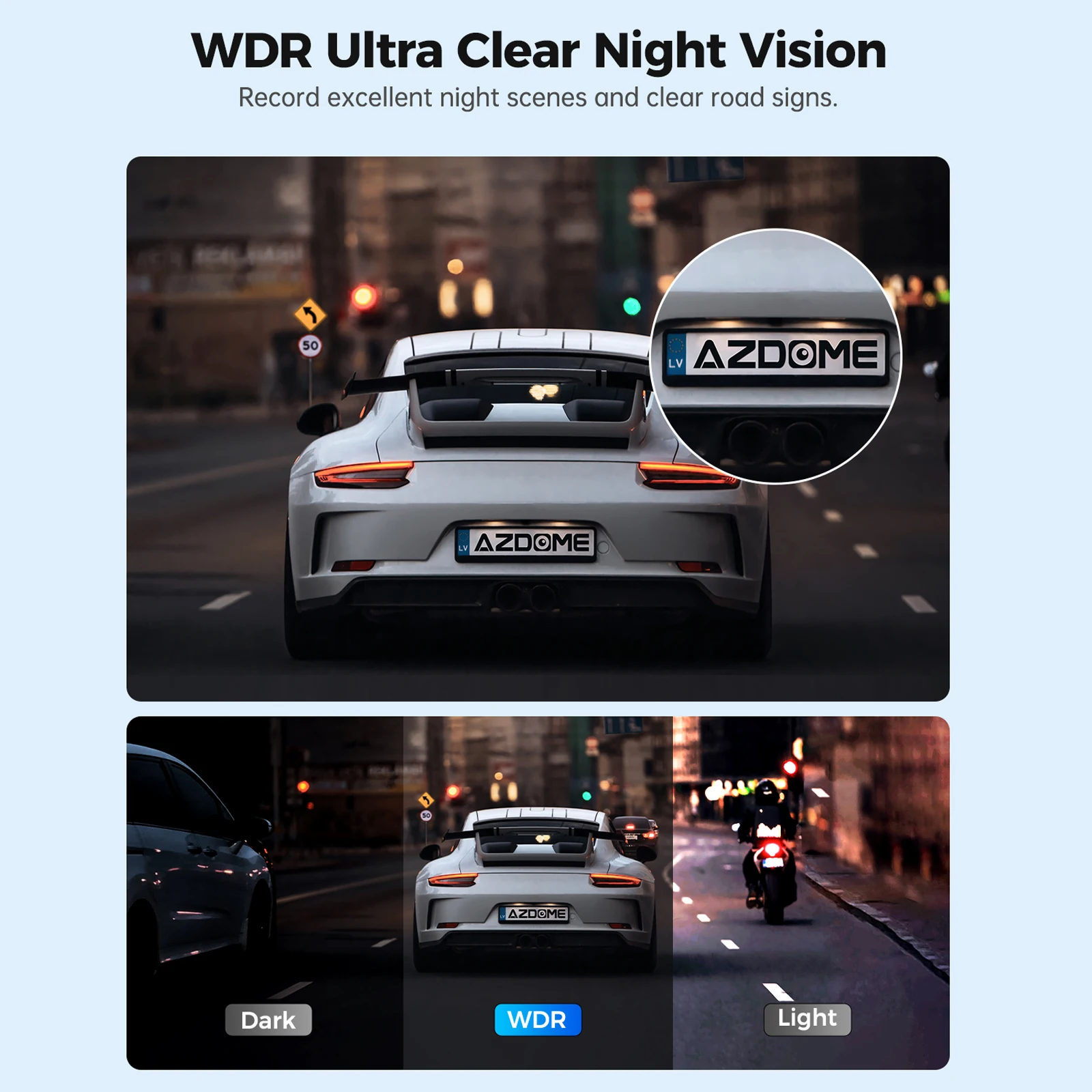
Super Night Vision
The Lens of the F2.0 wide aperture, 6-glass wide-angle lens, and proprietary focal length technology, the dual dash cam captures crisp, detailed footage—day and night, with exceptional clarity even in low-light conditions.
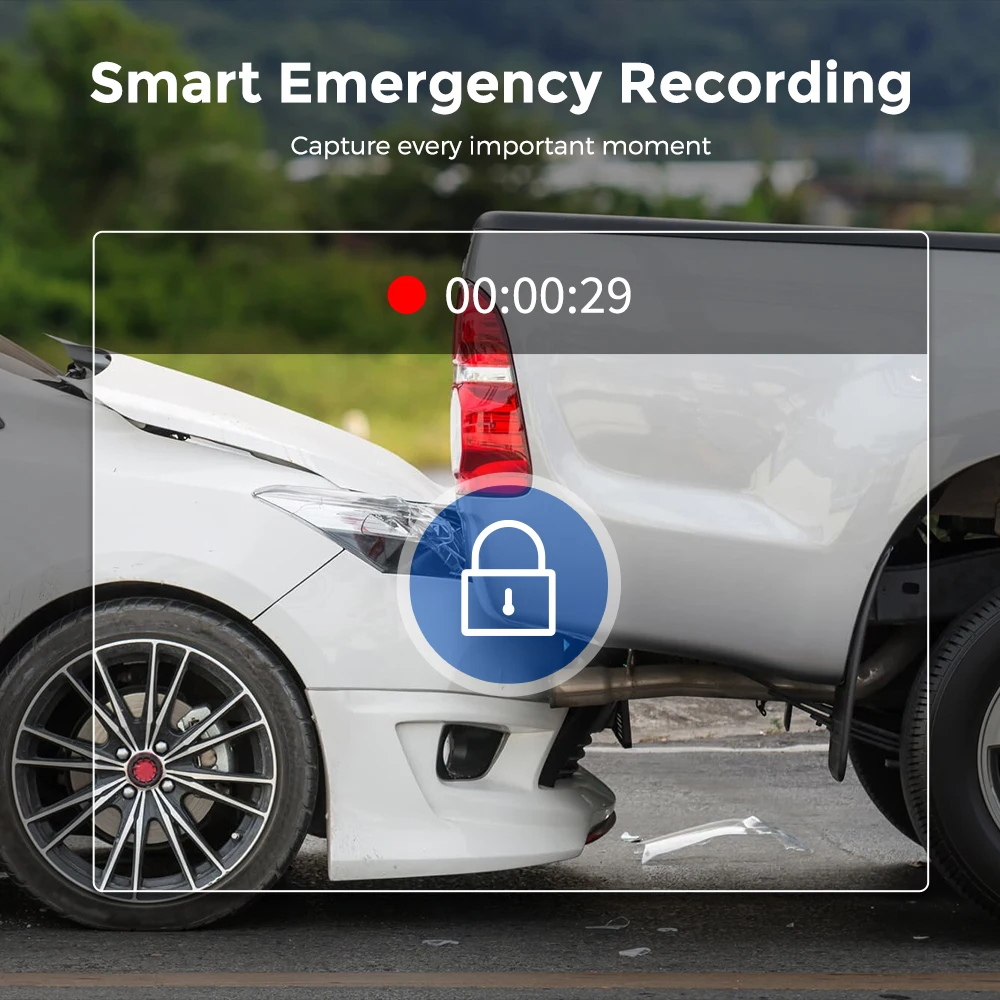
Smart Emergency Recording with G-Sensor
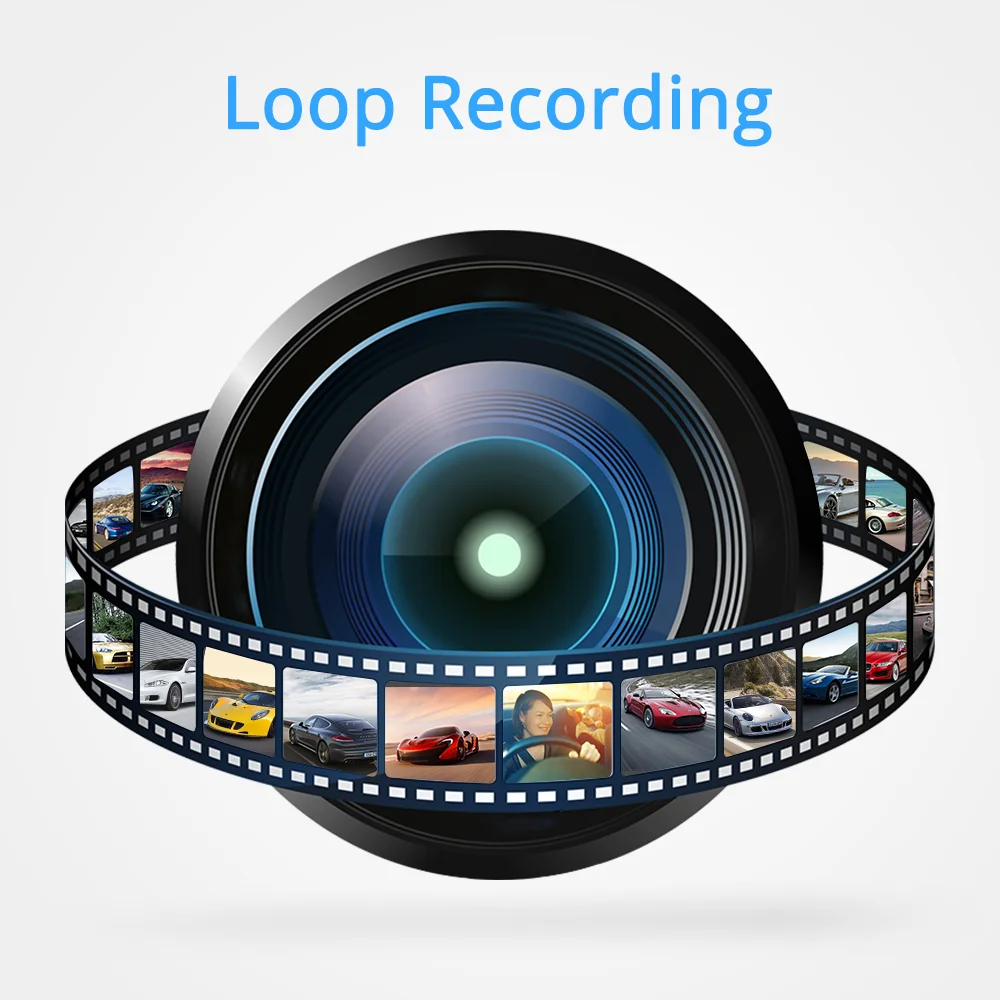
The AZDOME M300 built-in G-sensor automatically detects sudden impacts or collisions, instantly saving and locking critical footage. Loop recording seamlessly skips these locked emergency videos—ensuring key evidence is never overwritten.
Loop Recording
When the memory card is full, the dual dash cam automatically overwrites old, non-locked footage to free up space for new recordings—while emergency-locked videos are never overwritten.
Voice Control (Only English)
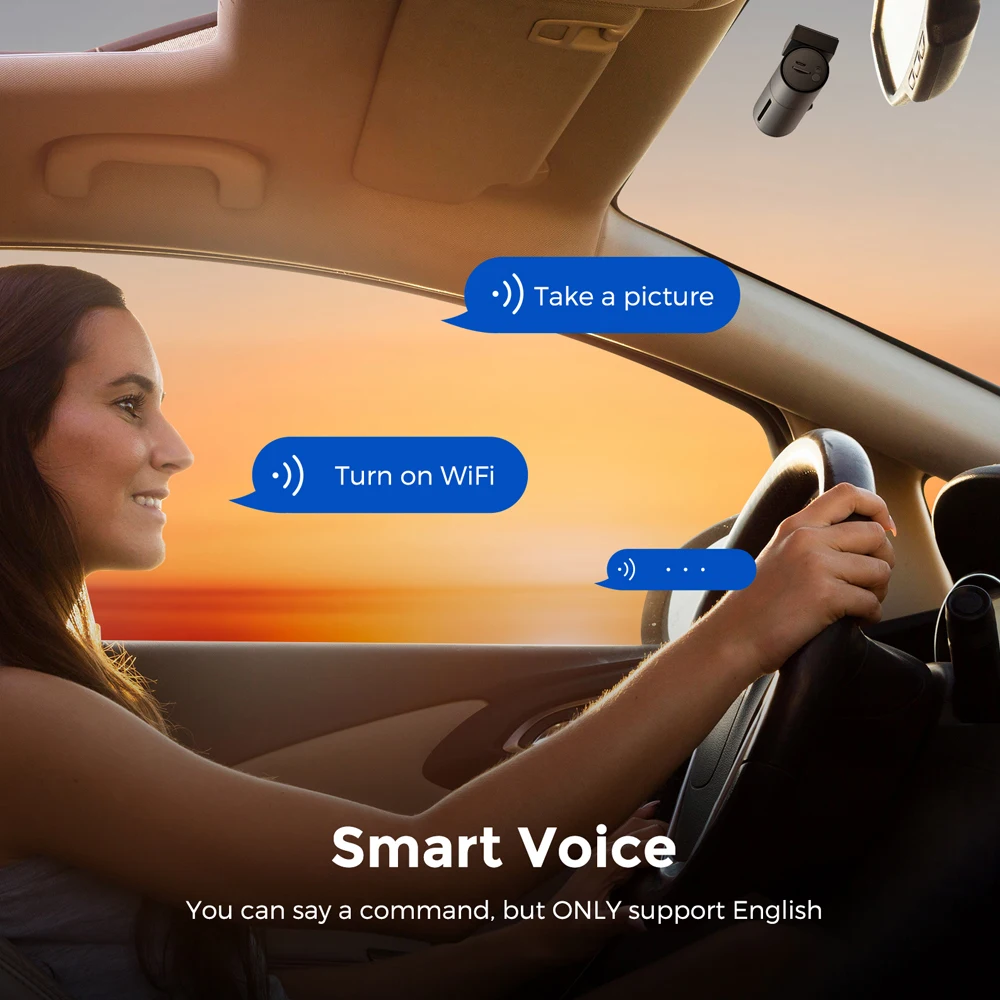
The dash cam’s voice control feature lets you operate key functions hands-free, helping you stay fully focused on the road ahead. User could make oder by speaking 'take picture', 'lock the video', 'Open/Turn off Recording' and etc.
●Package List
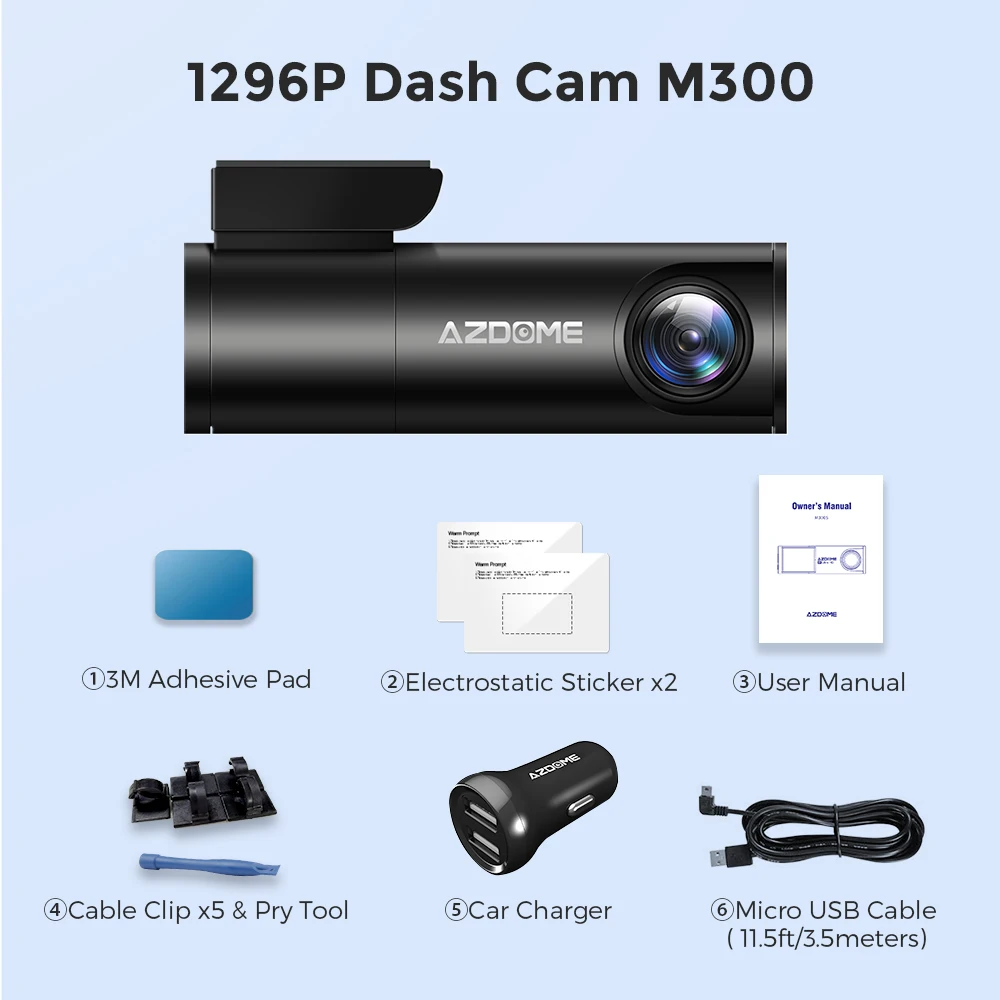
(1) Dash Camer
(2) Double-sided tape
(3) Electrostatic Sticker
(4) User Manual
(5) Cable Clip
(6) Pry tool
(7) USB Car Charger
Tips:
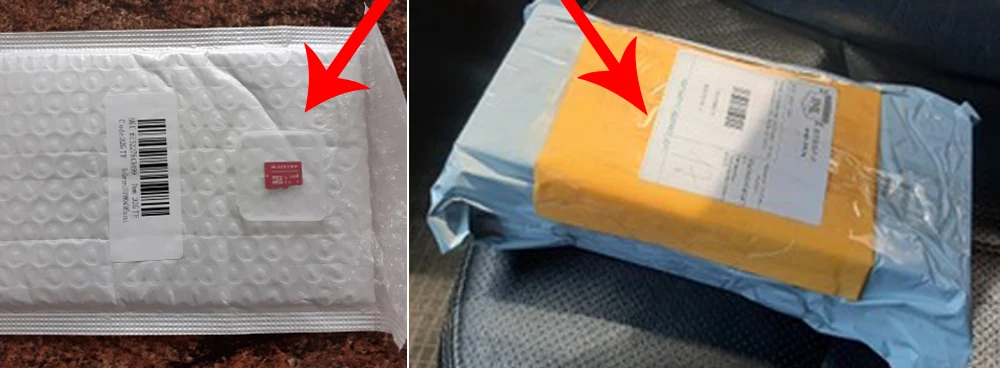
-Requires Class 10 or above micro SD card, not a fake card.
-TF card was packed in a small white or yellow bubble bag separately(as the picture shows below), please check it carefully when you received the package.
●Specifications:
Chip: Mstar 8336;
Sensor: GC2053 2MP CMOS Camera,16:9;
Lens Aperture: F=2.0;
Screen: NO,
TF Card: Max support 64GB (Class10 or above);
Video Resolution: 1296P,P30/1080P,P30/720P,P30;
WiFi: Built-in;
G-sensor: Built-in;
Mic: Support
Speaker: Support
Battery: NO;
USB Port: ONLY for charging
Power Interface: 5V/1.0A
About us!
● Azdome Factory Photos
the production workshop and our colleagues. we have our own industrial park.

● Certificate of Compliances
Our Dash Cam/Car Records are exported all over the world, OEM production for many global brands, and each product has been certified.

● Azdome History
from 2012 to 2021, it is a long story, we are still on the way!

Customer questions & answers
Q: Camera showing "Memory Error" or "Please Insert Micro SD Card" even though a memory card is already installed into the camera?
A: 1. Be sure to format your TF card with your Dash Cam for optimal use. Failing to format TF card may result in card error.
2. Please make sure memory card is at least Class 10, U3 and purchased from trusted vendor such as Walmart, target, best buy, Ship & Sold by Amazon" etc. (there are many fake cards out there Online, remember if it's cheap, its fake.
3. Now go to the camera's system settings and FORMAT your memory card. After formatting memory card, please press and hold power button to turn the camera off. Now unplug the power cable, and re-plug the power cable, camera should now turn ON automatically and start recording.
Q: Camera Locks many videos automatically?
A: Please make sure you increase your G-sensor setting. If you choose higher setting then it can trigger even with smaller bump. This setting depends on the type of car or truck you are driving and how much vibration your car/truck is creating based on suspensions and road conditions.


